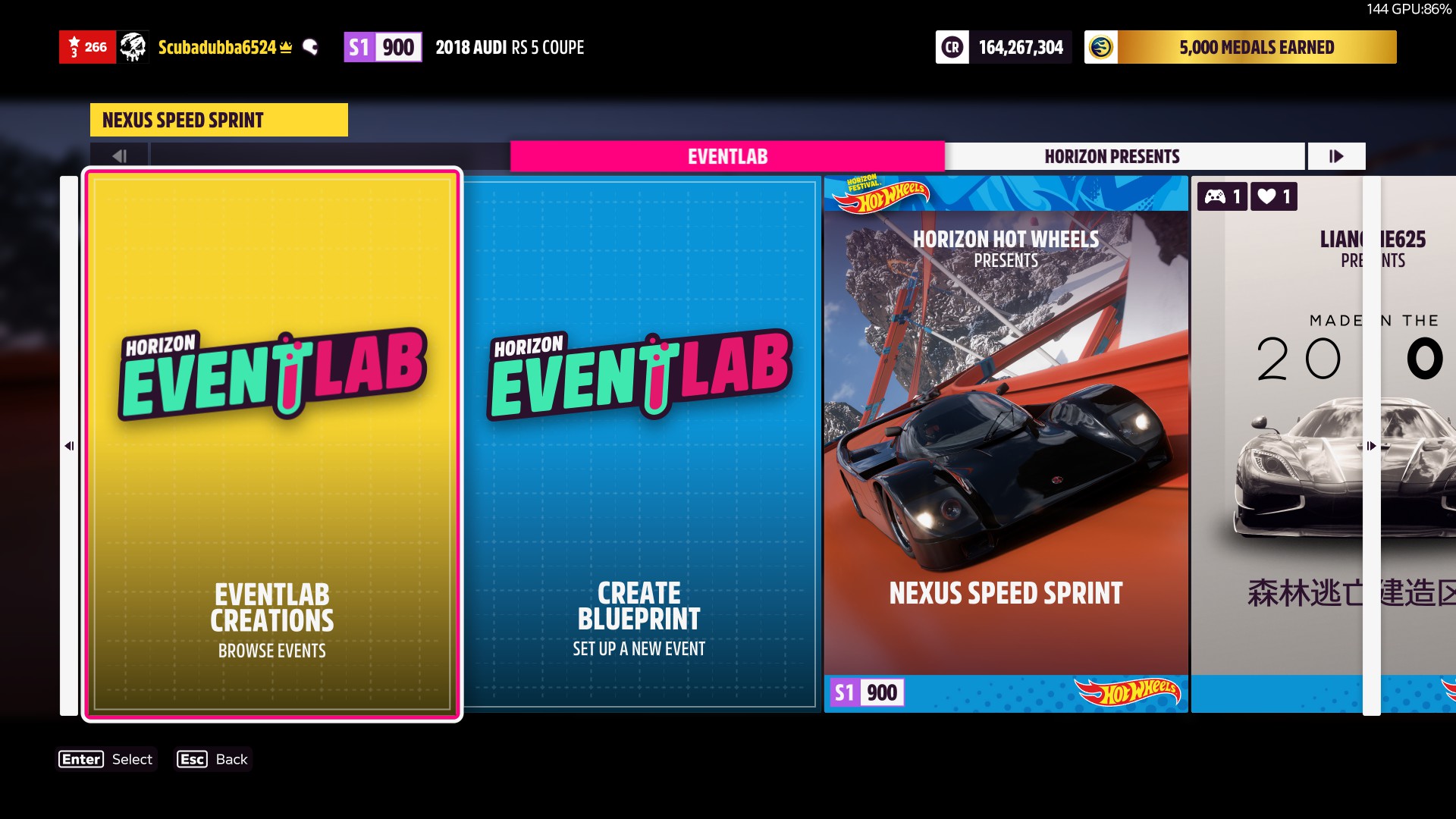
tl;dr - don’t know how to do a short version other than “file system is rubbish”
I typically create a blueprint on the main map when a playlist task needs a race.
Go to race, enter, solo, delete any local blueprint, create blueprint.
I want to delete them because I don’t like cluttering up menus and storage, mine or those of other people.
Just looked at the creative hub. There’s “My Local Events” and “My Shared Events”. I unshared everything from “My Local Events”. Stuff keeps reappearing in both even after emptying the screen.
I am doing this because I noticed in one race two blueprints of mine appeared on the screen even though I religiously delete anything old I find there. When I delete something on the screen appears about unsharing.
It seems, though, that nothing is deleted, like the tunes and vinyls.
This has left me a bit confused, if entirely unsurprised. Are they shared even after being deleted? Now I’ve unshared but not deleted the “My Creative Hub” stuff, are they deleted or not or where are they? Are they still shared anyway?
Most creative menu interactions are awful, here’s a maybe-less-obvious one.
I also can’t quite shake the feeling that “local events” doesn’t quite mean “on the Xbox hard disk”.
Im on pc and today i did delete some clutter of my own as well.
I re-opened the game now and i do realize that this could be a little confusing. Mainly because of what does unshare do and where and why do you have a delete button for local events but don’t have a delete button for shared events.
So… If you unshare an event from “My Local Events" It Will get unshared from Both “My Local Events" tab and “My Shared Events” tab. Which means it will not appear on your hub and other players can not see it.
If the same local event is NOT shared then you can simply delete it from the local tab.
You can’t delete a shared event from My Shared Events” tab, but you can unshare it which effectively does the same thing. But then you get to keep the local blueprint.
Go on your local tab where most of your clutter is likely to be and simply delete the events you don’t want anymore. If any of them are shared then know they’ll get unshared as well. The routes that you have created will NOT be deleted. You can access them in the blueprint menu once you create well a blueprint…
1 Like
thanks - I managed to work out some of that but it’s helped explain a bit
would you say that deleting from the race location does nothing?
eventually, I got rid of everything, which I kind-of didn’t want to, but it was simpler to do that than try and work out which were up-to-date
I might do a bit of testing of how it works now
any race, press X to go in, pick solo, far left tile is local events - in there
Just noticed something else. If you have a local event thats based in one of the expansions you will not be able to delete it untill you fast travel to that expansion
If you’re on the main map you’ll see this:
1 Like
I didn’t look earlier but assumed travelling to the DLC location was going to be needed for whatever reason.
1 Like
I suppose you mean here:
Well you know how your starting point depends on which event on the map you’ve picked? In this case ive picked some event and when i open it i have nothing there because i haven’t made an event with this starting point.
You will not see all your events there. You only see the events which used the starting point from that particular race.
1 Like
yes, that’s the menu location and most of the source of my slight confusion about “local”, here “local” can mean “this location” or the more computery “this device”
regarding deleting things, if they’re deleted from this at-the-race-start menu then I am not sure if they go from the creative hub, that’s the query
I can test now, though
sorry if I’m not being clear in all this, rather tired!
If the event is shared it should get deleted. If its a local event/not shared it won’t because the creative hub is taking only the stuff that you’ve shared.
I dont even claim to be explaining it very well but hopefully i get my point across. im not really good at english. It usually takes me time to write stuff
1 Like
don’t worry, seems fine to me - the matter of how this menu thing works isn’t clear which means discussion is made more difficult
1 Like
I think local means local to your account. If you load the game on another device they should all be accessible .
When you look at your shared events, it’s limited to 15. If you unshare any or all you have to close the window and reopen it to refresh the list, at least until the eventlab 2.0 update is released. It sounds like this is what was happening.
1 Like
part of it, yes, I figured out the 15 thing, tab left and right and another 15 appear
it’s unclear how it works overall, whatever the case
is this going to be altered by changes to EventLab?
Doesn’t sound like anything related to this will change except for being able to page through when there’s over 15 items.
I try to unshare the ones I create but I have lots still shared. I never really go to delete them so I know it’s all user related for me.